Message Template
Here, users can view all the message templates that are created for sending messages.
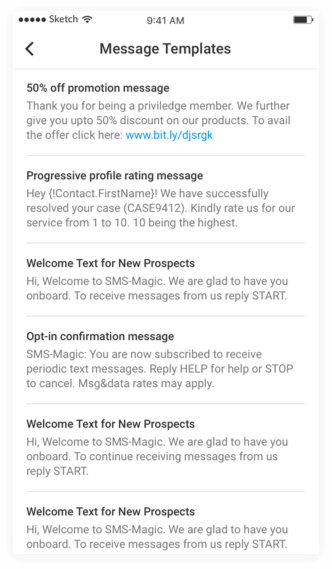
Here, users can view all the message templates that are created for sending messages.
This section allows the user to configure Zoho modules, refresh the Sender IDs, and set the date and time format.
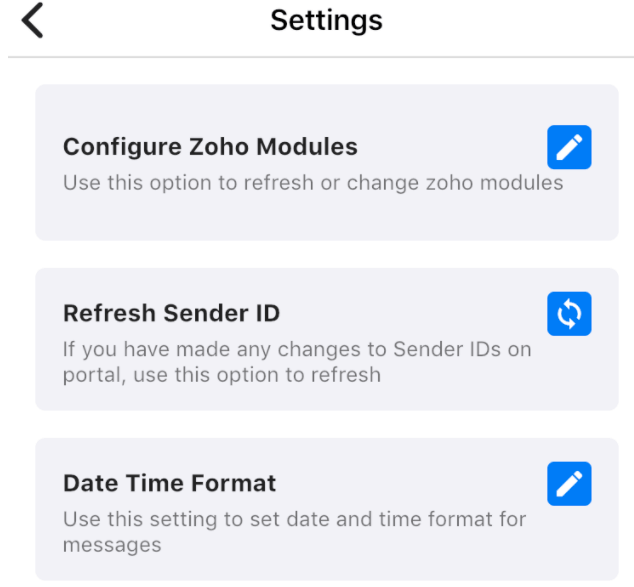
1.Configure Zoho Modules
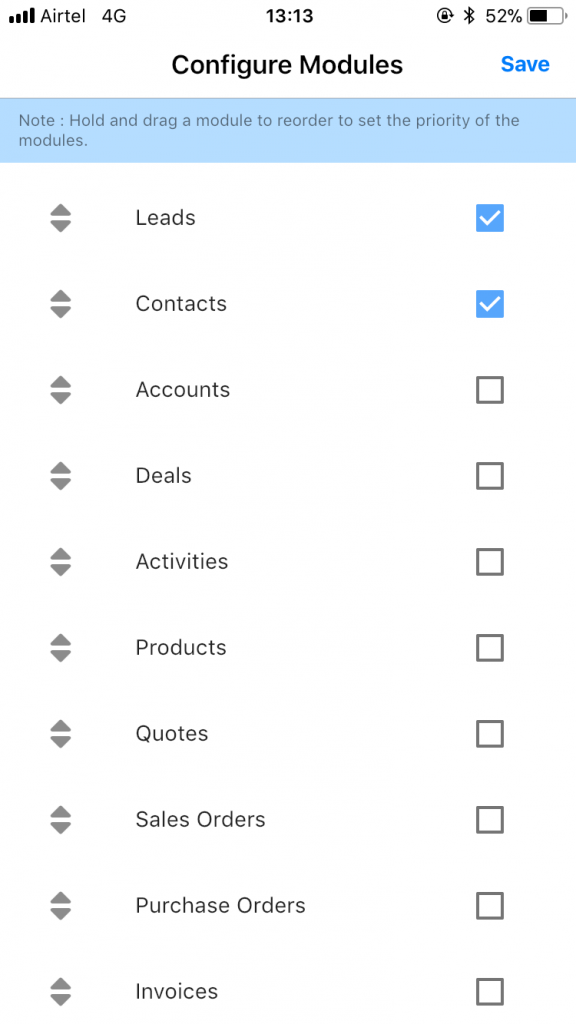
Here, a list of Zoho modules will appear, where the user will be able to add or remove any of the modules. Users need to select the modules which they want to use for messaging. All the configured modules will appear in the modules list in the mobile App. You can also hold and drag the modules to reorder them as per their priority.
2. Refresh Sender ID
By clicking on this button, you will be able to refresh the Sender ID.
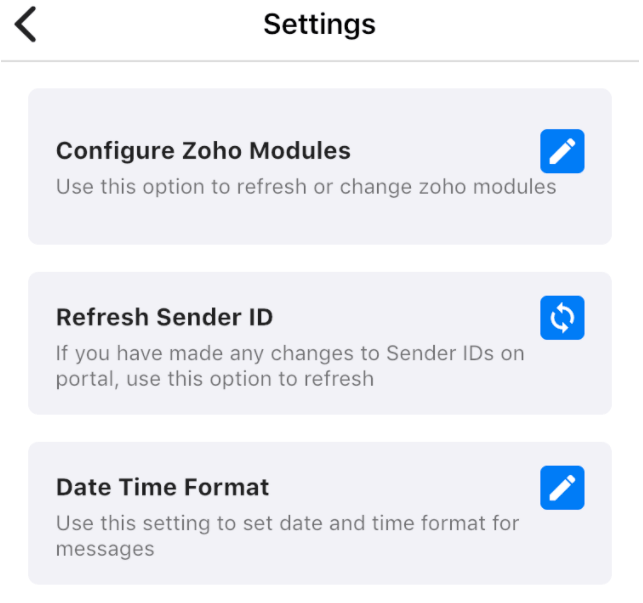
3. Date Time Format
Use this section to set the date and time format for messages. Here, you can also set the 24-hour format as per your requirement.
We have made sure that the modules and the contacts get synced from the Zoho CRM to the mobile app for you to converse flawlessly and continue responding to messages.
All the modules that you have added in “Configure Zoho Modules” in the settings are displayed in the mobile app. The corresponding contacts can also be accessed.
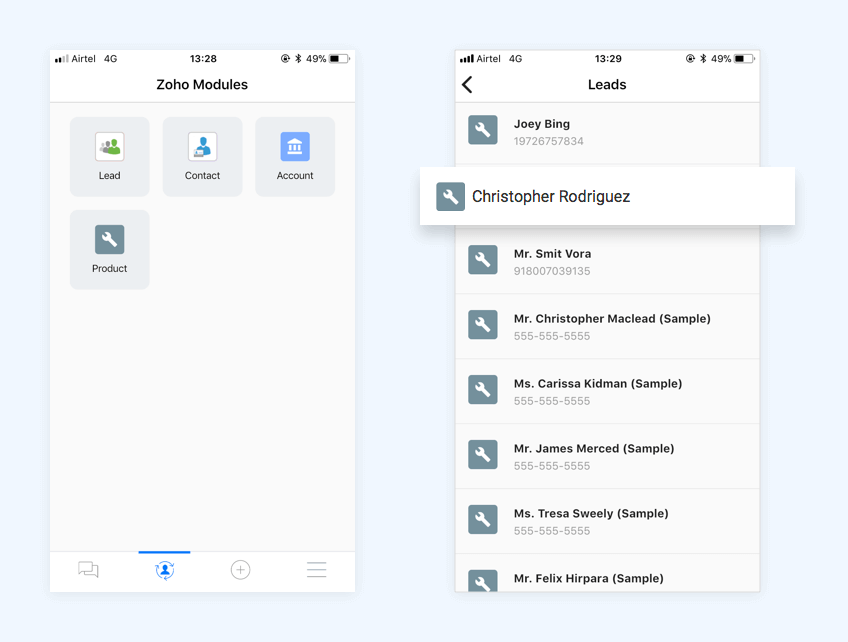
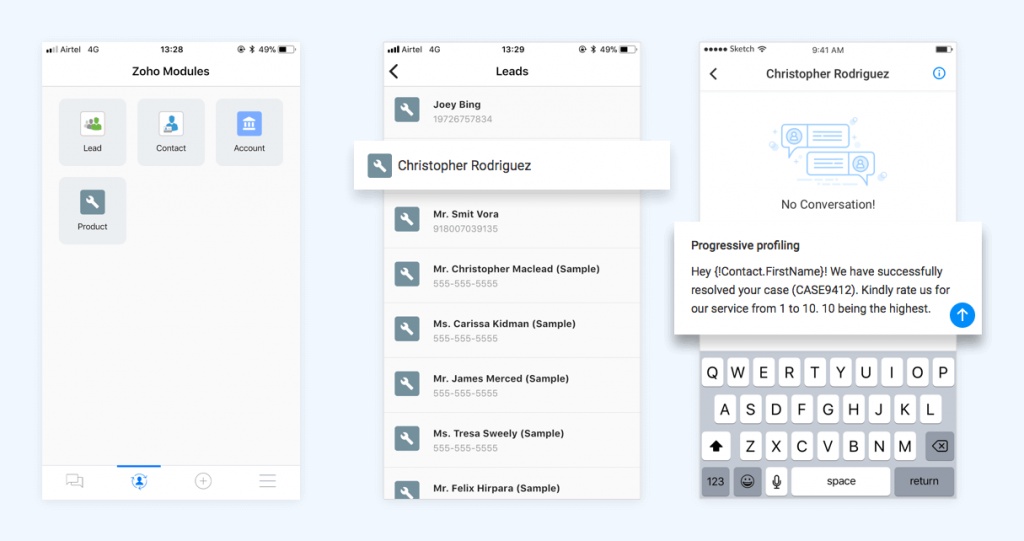
Here, the user can view all modules and contacts configured initially. You can select any of the modules and use them to send messages to the contacts.
You can select a contact and send a message, as shown in the image below:
Based on your messaging needs, you can select Zoho CRM and Country on this page and click Create Plan under Build Your Own Plan. You get flexibility to choose number of licenses, credits, phone numbers, channels and more premium features as per your custom needs.
More than 50% of iOS users and more than 80% of Android users enable push notifications on their mobile devices. Push notifications are a great way to seek the attention of the users and help them take immediate actions resulting in increased engagement and improved user retention.
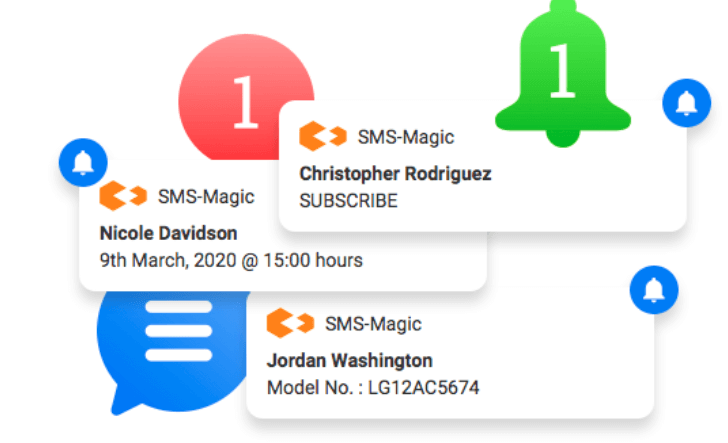
*Note: To receive push notifications you need to enable push notifications for the SMS-Magic Application on your device.
Users will get notified with a push notification with the contact name and the text when a message is received from saved contacts or unknown contacts.
Push notification works with a single owner of Sender ID or with a shared Sender ID. For a single owner of Sender ID, the user will get a push notification on the mobile device irrespective of whether the message is sent by a known contact or an unknown contact. With a shared Sender ID, the owner of the last message sent to the contact (from a known contact or an unknown contact) will get the push notification.
The SMS Automation Plan for Zoho CRM includes 3000 SMS Credits, 1 Automation License, 1 Virtual Phone Number for USA Annual Plan.
Benefits are CRM specific, country specific and plan specific.
You can buy additional automation licenses, virtual phone numbers and message credits for more messaging needs.
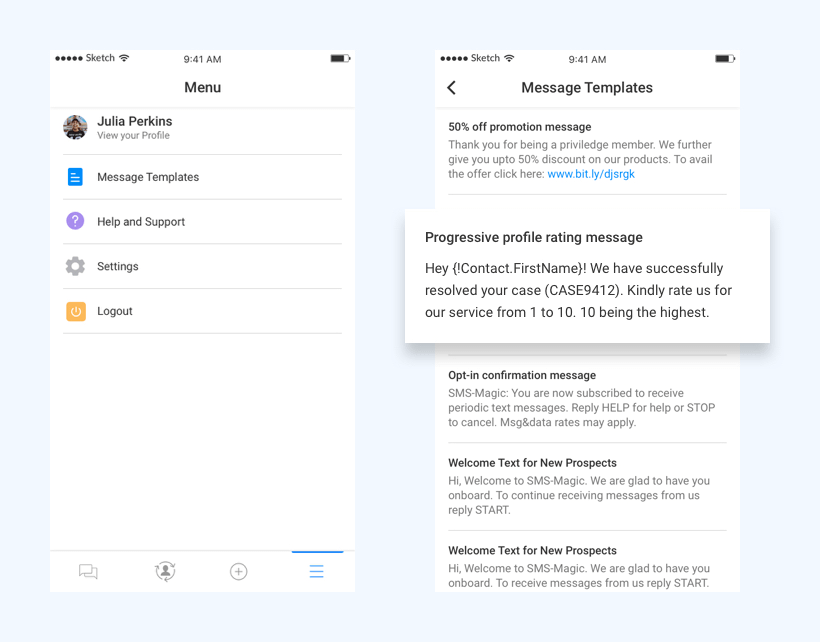
All the message templates that the organization has created in the Zoho CRM are visible in the SMS-Magic mobile application, in the ‘Message Templates’ section. Users can use these templates that include text, the recipient’s first name, or any other custom fields ensuring consistent replies across the business.
The SMS Conversational Plan for Zoho CRM includes 6000 SMS Credits, 1 Conversational License, 1 Virtual Phone Number for USA Annual Plan.
Benefits are CRM specific, country specific and plan specific.
You can buy additional conversational licenses, virtual phone numbers and message credits for more messaging needs.
Conversation with a recipient is a thread of message exchange between the user and the recipient. Conversation can be viewed by selecting one contact from the list in the inbox. The conversation gives a holistic view of all of the interactions with the user across your business. With this, the users have the context and history they need for a better conversation.
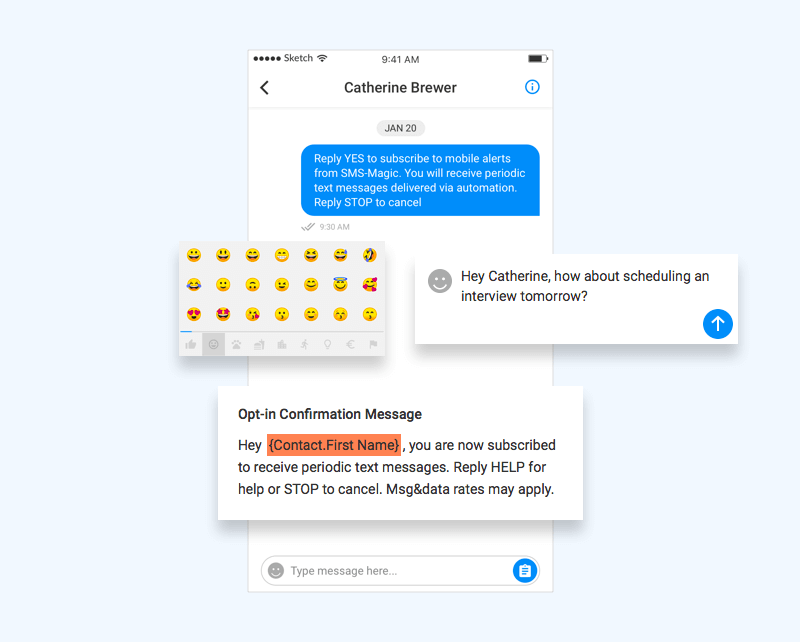
All the messages sent or received on the mobile application are synced to your Zoho CRM and vice versa.
The Multichannel Messaging Plan for Zoho CRM includes 12000 SMS Credits, 1 Multichannel License, 1 Virtual Phone Number, 1 WhatsApp Number, 2000 shortened links for USA Annual Plan.
Benefits are CRM specific, country specific and plan specific.
You can buy additional multichannel licenses, virtual phone numbers and message credits for more messaging needs.